In depth
A closer look at Fake GPS
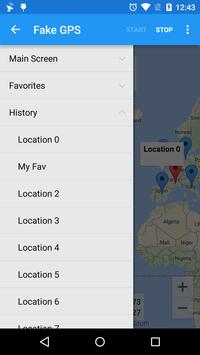
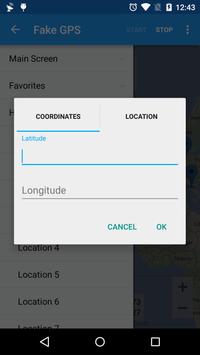
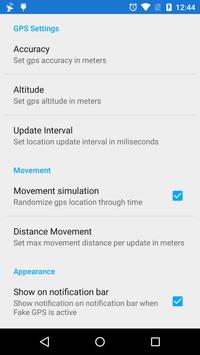
Set your phone location to anywhere in the world with just one click, if you need to develop or test other apps ability to track GPS information without the need to catch a GPS signal then this app is for you.
The following is needed to make sure the app runs smoothly:
1 - It is needed that you turn on "Allow Mock Locations" on Development Settings
2 - It is recommend that you switch location mode to "GPS Only" or disable Location Services altogether to avoid receiving cached mock locations after stopping Fake GPS, if this happens check our help section inside the app.
3. Make sure you run Fake GPS first before running your app.
To help development you can use the following commands from the command line:
adb shell am startservice -a com.blogspot.newapphorizons.fakegps.START -e latitude 11.11 -e longitude 32.21
adb shell am startservice -a com.blogspot.newapphorizons.fakegps.UPDATE -e "latitude" 1.11 -e "longitude" 0.21
adb shell am startservice -a com.blogspot.newapphorizons.fakegps.STOP
If you find any bugs - please feel free to contact us
Requirements
Device requirements
Android 4.0+
Verdict
Should you install Fake GPS?
Fake GPS is an Android application available under the
Freeware
license — the APK is 2.6 MB.
We’ve catalogued it under
Utilities.
✓
Verified clean. Every Fake GPS APK on SoftLookup is scanned for malware, spyware, and adware. We re-test on every update.
Sponsored
At a glance
Fake GPS specifications
- Publisher
- ByteRev
- Last updated
- May 4, 2026
- Requirements
- Android 4.0+
- License
- Freeware
- Operating system
- Android
- File size
- 2.6 MB
- Price
- Free
- Page views
- 7179
Sponsored
Help fellow users decide. Share your experience with Fake GPS.