In depth
A closer look at Pixly - Pixel Art Editor
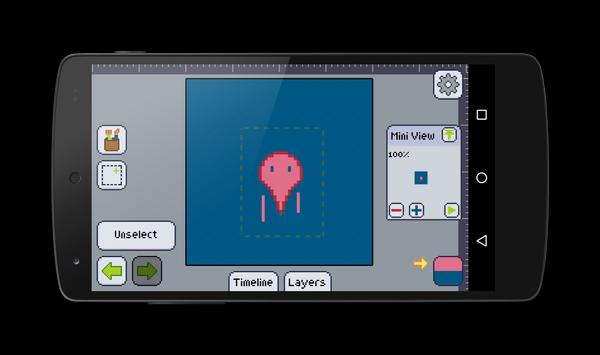
Pixly is a complete pixel art editor for Android devices. It excels where all other editors for phones and tablets fall short.
It has many useful features, and its design was made with phones and tablets in mind.
Here's a quick list of the features you may find in Pixly:
- Animations with onion skinning;
- Layers;
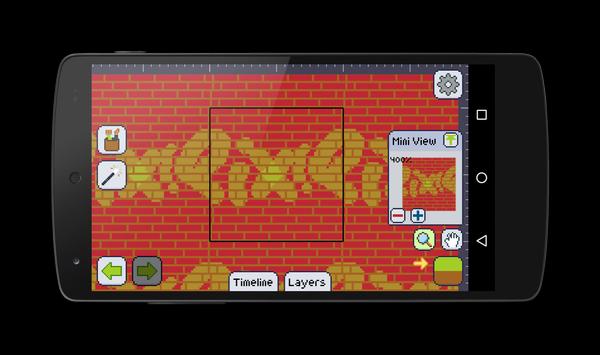
- Mini view with customizable level of zoom for quick preview;
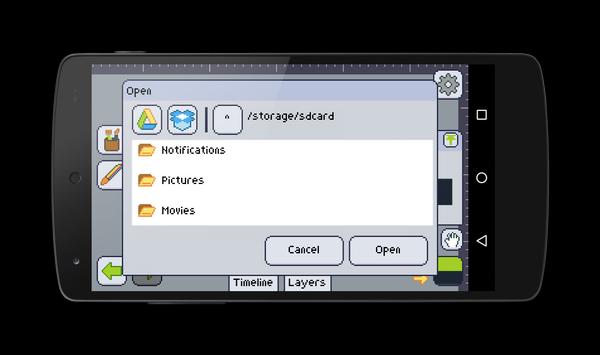
- Dropbox and Google Drive integration;
- Controls intuitive for touchscreen;
Try pinching with two fingers to move and zoom the artboard, or pinching with three fingers to change the brush size!
- Contextual tools;
- Undo, Redo and History;
- Social features (Share, Twitter @DailySilhouettes and @PixelDailies);
- Text drawing;
- Palettes;
- Color ramps;
- Opacity;
- Transparent and non transparent background;
- Patterns;
- Arcs and Curves;
- Real time image tiling;
- Symmetry with customizable mirrors;
- References;
- Grids;
- Copy-Paste;
- Lots of color effects;
- And more!
Requirements
Device requirements
Android 2.3.2+
Verdict
Should you install Pixly - Pixel Art Editor?
Pixly - Pixel Art Editor is an Android application available under the
Freeware
license — the APK is 3.7 MB.
We’ve catalogued it under
Graphics.
✓
Verified clean. Every Pixly - Pixel Art Editor APK on SoftLookup is scanned for malware, spyware, and adware. We re-test on every update.
Sponsored
At a glance
Pixly - Pixel Art Editor specifications
- Publisher
- Gustavo Maciel
- Last updated
- Feb 8, 2026
- Requirements
- Android 2.3.2+
- License
- Freeware
- Operating system
- Android
- File size
- 3.7 MB
- Price
- Free
- Page views
- 1665
Sponsored
Help fellow users decide. Share your experience with Pixly - Pixel Art Editor.