In depth
A closer look at Icon Pack Studio
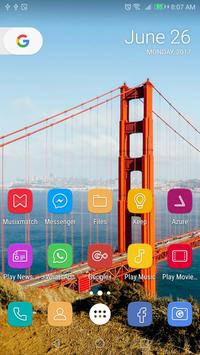
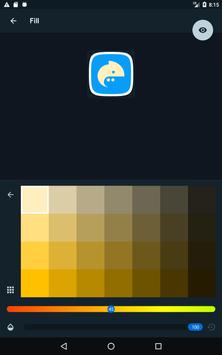
We created IPS with the idea that no icon pack can fit your home screen better than the one you create by yourself. IPS will allow you to choose a specific tint for your icons, or to make them change according to your wallpaper.
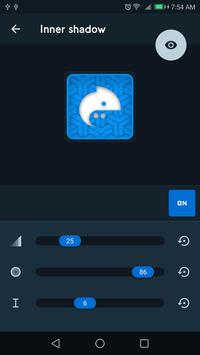
The advanced editor allows you to resize and move any element of your custom icon. Use special filters like lights, shadows, textures and bezels and when you're happy with the result, apply the new icon pack to your custom launcher in just few taps.
Icon packs created with Icon Pack Studio includes any app on your device. No other icon pack downloaded from Play Store can do it.
Icon Pack Studio is designed to work with Smart Launcher but works with almost any launcher (tested on Nova Launcher, Action Launcher, ADW Launcher, Apex launcher, Holo Launcher).
At the moment IPS doesn't support:
- Xperia Home Launcher
- Aviate
We're working to introduce support to these launchers.
Requirements
Device requirements
Android 4.3+
Verdict
Should you install Icon Pack Studio?
Icon Pack Studio is an Android application available under the
Freeware
license — the APK is 27.7 MB.
We’ve catalogued it under
Collection.
✓
Verified clean. Every Icon Pack Studio APK on SoftLookup is scanned for malware, spyware, and adware. We re-test on every update.
Sponsored
At a glance
Icon Pack Studio specifications
- Publisher
- Smart Launcher Team
- Last updated
- Feb 11, 2026
- Requirements
- Android 4.3+
- License
- Freeware
- Operating system
- Android
- File size
- 27.7 MB
- Price
- Free
- Page views
- 1240
Sponsored
Help fellow users decide. Share your experience with Icon Pack Studio.