DroidEdit is a text and source code editor for android tablets and phones with the following features:
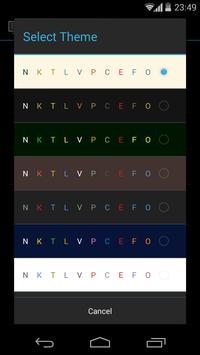
-Syntax Highlighting for several languages (C, C, C#, Java, HTML, CSS, Javascript, Python, Ruby, Lua, LaTeX, SQL, ...) -Several color themes -Infinite undo & redo -Search & replace -Auto & block indentation -eep opened files and changes between sessions -Open files directly from dropbox or a file manager -Character encoding support -eyboard shortcuts (List below) -Share documents with other services (dropbox, email, ...) -Preview HTML files in browser -Bracket matching -Go to line -Run Scripts in SL4A directly -Configurable Shortcuts
Pro version only features:
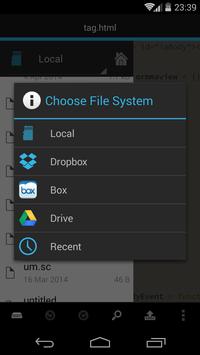
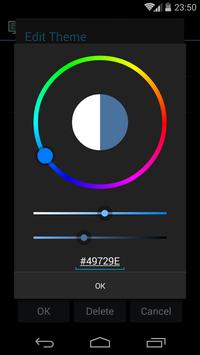
-SFTP/FTP support -Dropbox, Drive, Box support -Custom themes -Run external commands through SSH -Root mode
Using different character encodings:
-To open a document with a different character encoding than the default: long press the open file button -To create a new document with a different character encoding than the default: long press the new file button -You can make this behavior the default in the preference screen
Long pressing the save document button allows you to save a document with a different filename
-
DroidEdit is specially useful for new generation android tablets with external keyboards like the Asus Transformer.
Try Hacker's eyboard for a developer friendly virtual keyboard.
You should try the ad supported DroidEdit Free before buying this app. The ad supported version has exactly the same functionality as the paid version except it doesn't have SFTP support, Dropbox support, Custom themes and root mode.
Please rate the app in the market.
Requirements
Device requirements
Android 2.1+
Verdict
Should you install DroidEdit (free code editor)?
DroidEdit (free code editor) is an Android application available under the
Freeware
license — the APK is 2.6 MB.
We’ve catalogued it under
Productivity.
✓
Verified clean. Every DroidEdit (free code editor) APK on SoftLookup is scanned for malware, spyware, and adware. We re-test on every update.