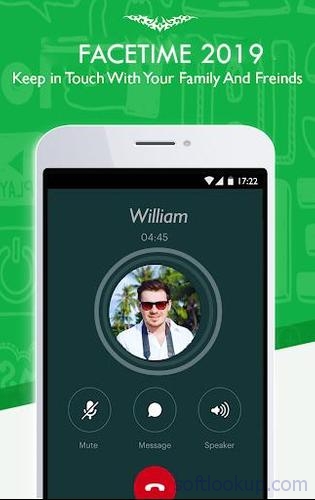
See Facetime video call For Android tips 2019. in action
In depth
A closer look at Facetime video call For Android tips 2019.
Get this free Facetime Video Call Tips and enjoy all the nice features for Video Call With Facetime For Android tips. Its not a secret that today there are huge numbers of messengers and video call apps across different markets. But to say the truth Facetime Video Call Tips can be proudly considered as one of the bests. And of course we can announce that this is the main reason we launched Video Call With Facetime For Android tips For example one of the best attractive features of Facetime Video Call Tips its group chat possibility. Features : It is the simplest video calling app that is bound to single tap direct call interface. The user can be at two different places at one time through FaceTime app. You can run the call in the background when you have to access other features of your device. The timer of FaceTime does not count time against the regular minutes of data calls. FaceTime app can orient to both the cameras (primary and secondary) as per user's choice. Latest upgrades of the app have extravagant features and visual quality. FaceTime developers are making the app completely freeware, and suitable for Android system. The PiP image on the screen during an ongoing video call allows the user to adjust his position in front of the camera. You can easily mute the audio during any interruption or varied reason during a video call.
Requirements
Device requirements
Android 2.3.2+
Verdict
Should you install Facetime video call For Android tips 2019.?
Facetime video call For Android tips 2019. is an Android application available under the
Freeware
license — the APK is 3.1 MB.
We’ve catalogued it under
Parenting.
✓
Verified clean. Every Facetime video call For Android tips 2019. APK on SoftLookup is scanned for malware, spyware, and adware. We re-test on every update.
Sponsored
At a glance
Facetime video call For Android tips 2019. specifications