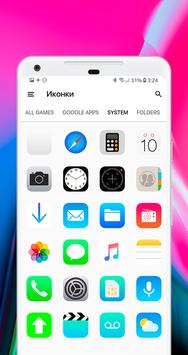
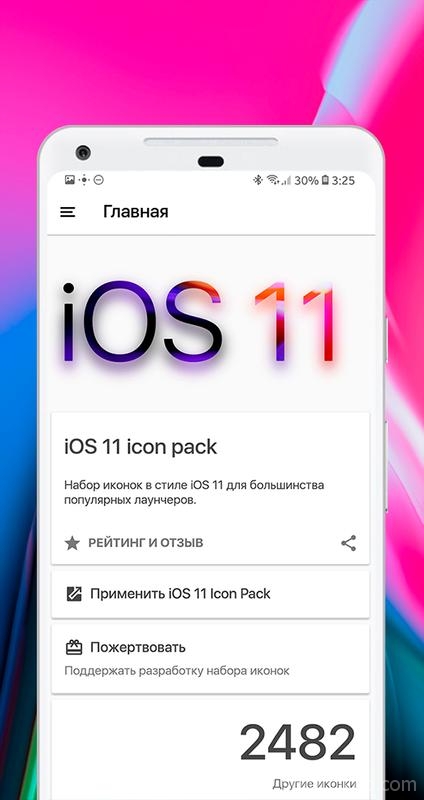
In depth
A closer look at iOS 11 - Icon Pack
iOS 11 - Icon Pack - Can be applied on any phone by installing a supported launcher.
Download and install Nova Launcher and make sure you are a Beta. user.
Now make the following changes to the Nova Launcher settings: ‡
Desktop
- Desktop Grid -> 7x5
- Icon Layout -> Icon Size -> 110%
- Field Width -> Medium
- Search bar -> Style -> First with rounded corners
- Search bar -> Color -> White with 10% transparency
- Search bar -> Logo -> Color G with a voice search icon
Application Menu
- Application menu grid -> 5x5
- Icon Layout -> Icon Size -> 110%
- Frequently used applications -> Yes
- Application menu style -> Vertical
- Background -> Off
- Open with -> On
- Opening indicator -> On
- All other default options
Favorites panel
- Icon Layout -> Icon Size -> 110%
- Icon Layout -> Shortcut -> Off
- Width and height Padding -> Medium
Requirements
Device requirements
Android 4.0.3+
Verdict
Should you install iOS 11 - Icon Pack?
iOS 11 - Icon Pack is an Android application available under the
Freeware
license — the APK is 43.4 MB.
We’ve catalogued it under
Collection.
✓
Verified clean. Every iOS 11 - Icon Pack APK on SoftLookup is scanned for malware, spyware, and adware. We re-test on every update.
Sponsored
At a glance
iOS 11 - Icon Pack specifications
- Publisher
- iEvil Dev
- Last updated
- May 5, 2026
- Requirements
- Android 4.0.3+
- License
- Freeware
- Operating system
- Android
- File size
- 43.4 MB
- Price
- Free
- Page views
- 1364
Sponsored
Help fellow users decide. Share your experience with iOS 11 - Icon Pack.