A closer look at Microsoft Office Lens - PDF Scanner
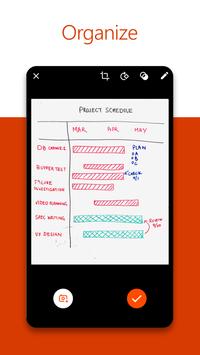
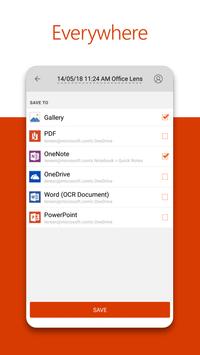
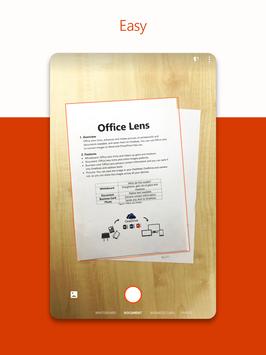
Named one of the Best Apps of 2015 in the U.S. and Puerto Rico by Google Play! - Office Lens trims, enhances, and makes pictures of whiteboards and documents readable. You can use Office Lens to convert images to PDF, Word and PowerPoint files, and save to OneNote,- OneDrive, or your local device.-- - GET ORGANIZED-- Scan and upload all your notes, receipts, and documents. Increase your productivity by eliminating time spent looking for documents or business cards. Sketch your ideas and snap a picture for later. Whether you're using it for business or education, Office Lens will help you save and share your documents in OneNote and OneDrive so you can all work together. - PRODUCTIVITY AT WOR-- Increase productivity in your business by using Office Lens to capture and share ideas.- Capture the whiteboard at the end of the meeting and keep those action items on track. Share OneNote meeting notes with your co-workers. eep your business networking contacts handy. Scan business cards, and save the information to your contact list and OneNote. This works best with English, German, Spanish and Simplified Chinese. More languages coming soon. Scan printed documents and save them in Word and OneNote so you can edit and annotate them later. Never lose another receipt. Scan them into OneNote and use its powerful search to find them quickly. - PRODUCTIVITY AT SCHOOL- Office Lens is like a scanner in your pocket that allows you to scan and share classroom handouts and notes into OneNote and OneDrive.- Scan the teacher's handouts and annotate them in Word and OneNote. Take a picture of the whiteboard or blackboard to reference later, even if you're offline. eep class notes and your own research organized. OneNote's search allows you to find everything for the test quickly.
Requirements
Device requirements
Android 5.0+
Verdict
Should you install Microsoft Office Lens - PDF Scanner?
Microsoft Office Lens - PDF Scanner is an Android application available under the
Freeware
license — the APK is 34.0 MB.
We’ve catalogued it under
Productivity.
✓
Verified clean. Every Microsoft Office Lens - PDF Scanner APK on SoftLookup is scanned for malware, spyware, and adware. We re-test on every update.
Sponsored
At a glance
Microsoft Office Lens - PDF Scanner specifications