In depth
A closer look at AppCast for BlueStacks
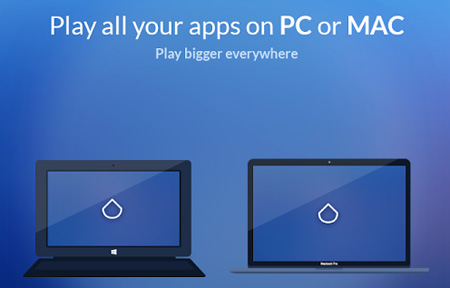
AppCast lets you play your apps on bigger screens. You can beam your favorite games and apps from your Phone onto your Windows PC or Mac with a single tap.
. BlueStacks Cloud Connect is now AppCast by BlueStacks .
After you install AppCast on your phone, head to your computer and install BlueStacks AppPlayer from BlueStacks website. Then search and launch AppCast inside AppPlayer to complete the setup. Top Features of AppCast:
. 1 tap awesomeness
Launch apps on big screen with 1 tap. Use your phone as remote to launch apps on your Windows PC or Mac.
. Bigger is better
Experience all your apps on your big screen. You have to try it to believe it!
. ids-free phone
Get back your Phone and your constantly depleting battery by running you kids favorite games and apps on the desktop.
Remember, you must download BlueStacks App Player for Windows PC and Mac from BlueStacks Website to your PC in order to use AppCast.
Verdict
Should you install AppCast for BlueStacks?
AppCast for BlueStacks is an Android application available under the
Freeware
license — the APK is 12M.
We’ve catalogued it under
Productivity.
✓
Verified clean. Every AppCast for BlueStacks APK on SoftLookup is scanned for malware, spyware, and adware. We re-test on every update.
Sponsored
At a glance
AppCast for BlueStacks specifications
- Publisher
- Developer
- Last updated
- May 5, 2026
- License
- Freeware
- Operating system
- Android
- File size
- 12M
- Price
- Free
- Page views
- 702
Sponsored
Help fellow users decide. Share your experience with AppCast for BlueStacks.