In depth
A closer look at Next Clock Widget
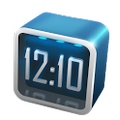
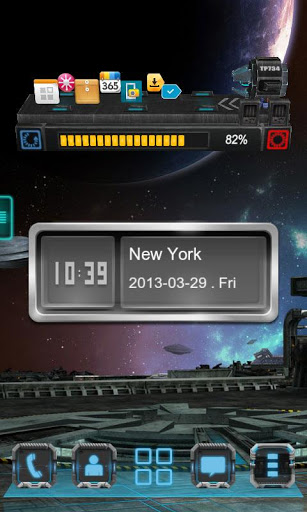
Next Clock is a 3D Clock Widget specially designed for Next Launcher 3D. Make your phone look different, Just try it. Available Size: -4×1 -3×3 Actions:- Glide up and down on the widget to change digital clock and analog clock- Show the time zone- Click on the widget to enter system clock settings page Hint:- Please install the latest version of Next Launcher before use Next Clock Widget.
- World clock function will come with Next version. Please stay tuned. If you encounter any problems or have any suggestions for our Next Launcher, please do not hesitate to tell us.
Verdict
Should you install Next Clock Widget?
Next Clock Widget is an Android application available under the
Freeware
license.
We’ve catalogued it under
Productivity.
✓
Verified clean. Every Next Clock Widget APK on SoftLookup is scanned for malware, spyware, and adware. We re-test on every update.
Sponsored
At a glance
Next Clock Widget specifications
- Publisher
- Developer
- Last updated
- May 5, 2026
- License
- Freeware
- Operating system
- Android
- Price
- Free
- Page views
- 873
Sponsored
Help fellow users decide. Share your experience with Next Clock Widget.