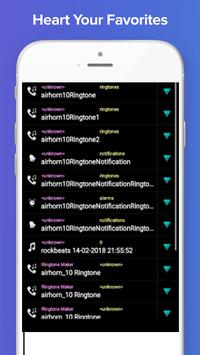
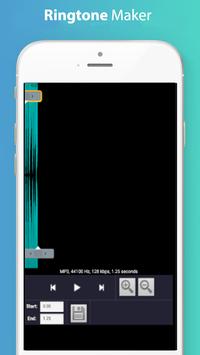
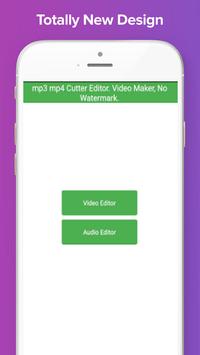
See mp3 mp4 Cutter Editor. Video Maker, No Watermark. in action
In depth
A closer look at mp3 mp4 Cutter Editor. Video Maker, No Watermark.
Install now the best audio video editor with all features that you ever wanted. This feature packed mp4 and mp3 app will end your hunt for best cutter app and you will love to edit your downloaded mp3 files. Also comes the support for your downloaded mp4 files from internet or other sources.
Features of mp3 And mp4 Cutter Editor: - Option to edit/cut video and audio - Most usefule because it supports both mp3 and mp4 which are widely popular - Real time ediitng on your phone - No upload or download of files is required
MP4 Video Cutter is free application help you cut your Video very fast and easy. Supports all standard video formats including AVI, MOV, WMV, VOB, MP4, FLV, 3GP, FLV and many more. When you want to trim unwanted scenes and send the extracted parts to your friends, video splitter will become your excellent helper. Video Cutter: Video Trimmer is a simple useful video editor, make video edit on Android device so easy. It based on FFmpeg library, it is the most strong movie processing in the world.
MP4 is most popular video format, almost videos stored in your phone use this format, so this application is very useful for you. Video editing is CPU intensive work, It may take time. Thanks you for using our applications Video Cutter Video Editor. You like video song also you share your festival video with your friends or families through social app but some app no share big video you must cut your video and share this video.
How to use mp3 And mp4 Cutter Editor: - Choose audio or video on your screen - Choose your source audio or video file - Click the edit/cut button to finish editing and saving the final file
mp3 And mp4 Cutter Editor is waiting for you : This All in one cut editor is more interesting & more fun. Be the perfect audio video pro for yourself.
Requirements
Device requirements
Android 4.0+
Verdict
Should you install mp3 mp4 Cutter Editor. Video Maker, No Watermark.?
mp3 mp4 Cutter Editor. Video Maker, No Watermark. is an Android application available under the
Freeware
license — the APK is 23.0 MB.
We’ve catalogued it under
Graphics.
✓
Verified clean. Every mp3 mp4 Cutter Editor. Video Maker, No Watermark. APK on SoftLookup is scanned for malware, spyware, and adware. We re-test on every update.
Sponsored
At a glance
mp3 mp4 Cutter Editor. Video Maker, No Watermark. specifications